Flip Spot
- Space / W / Up Arrow: Jump
- Hold key while airborne: Perform a flip
- R: Restart
- Esc: Pause







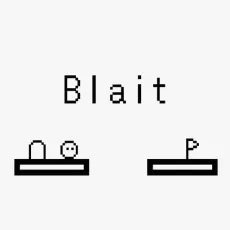
Flip Spot turns a simple jump into a test of timing, balance, and physics. Instead of a traditional obstacle course race, players launch their character from high platforms and control their movement mid-air. The goal is to execute flips and other tricks before aligning your posture and landing safely in the target zone.
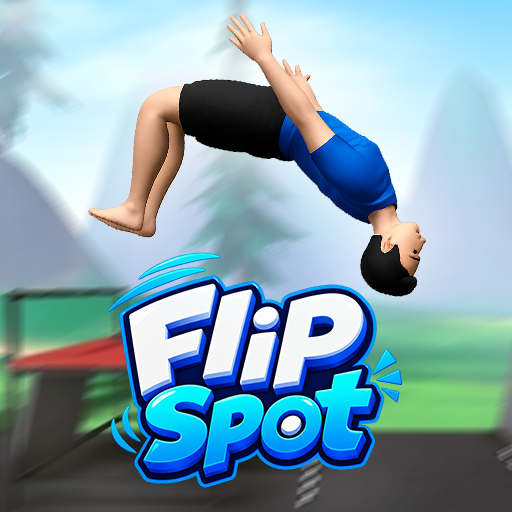
Jump, flip, and show off your skills
Gameplay revolves around three key moments: launching, rotating, and landing.
- Launch: Press and hold the jump button before leaving the platform to prepare and determine launch power.
- Mid-air flip: Keep holding the button while airborne to spin your character.
- Precision landing: Release the button at the right moment to stop rotating and align your character for a perfect landing.
- Physics-based movement: Platform height and distance affect airtime, thereby changing the number of rotations possible in each jump.
- Quick retry: You can restart immediately after failing, making it easy to adjust your timing.
Controls
- Space / W / Up Arrow: Jump
- Hold key while airborne: Perform a flip
- R: Restart
- Esc: Pause
Tips for perfect timing
The key to mastering Flip Spot is knowing when to stop flipping. Low jumps offer less time to rotate, while higher platforms provide more airtime for complex move sequences. Begin by familiarizing yourself with the timing of each jump, and once you can consistently land successfully, gradually attempt more rotations.
FAQs
What is the goal of Flip Spot?
Perform aerial flips and land upright within the designated target zone.
Is the game physics-based?
Yes. Movement and landings are built upon character physics.
Can I retry a failed jump?
Yes. Press the 'R' key on the PC to retry the attempt and adjust your timing.